
How to choose duty drawback software: nine questions to ask
Most drawback software looks alike in a demo. The differences show up in your data, your matching rules, and your audit file. Nine questions that separate the options.
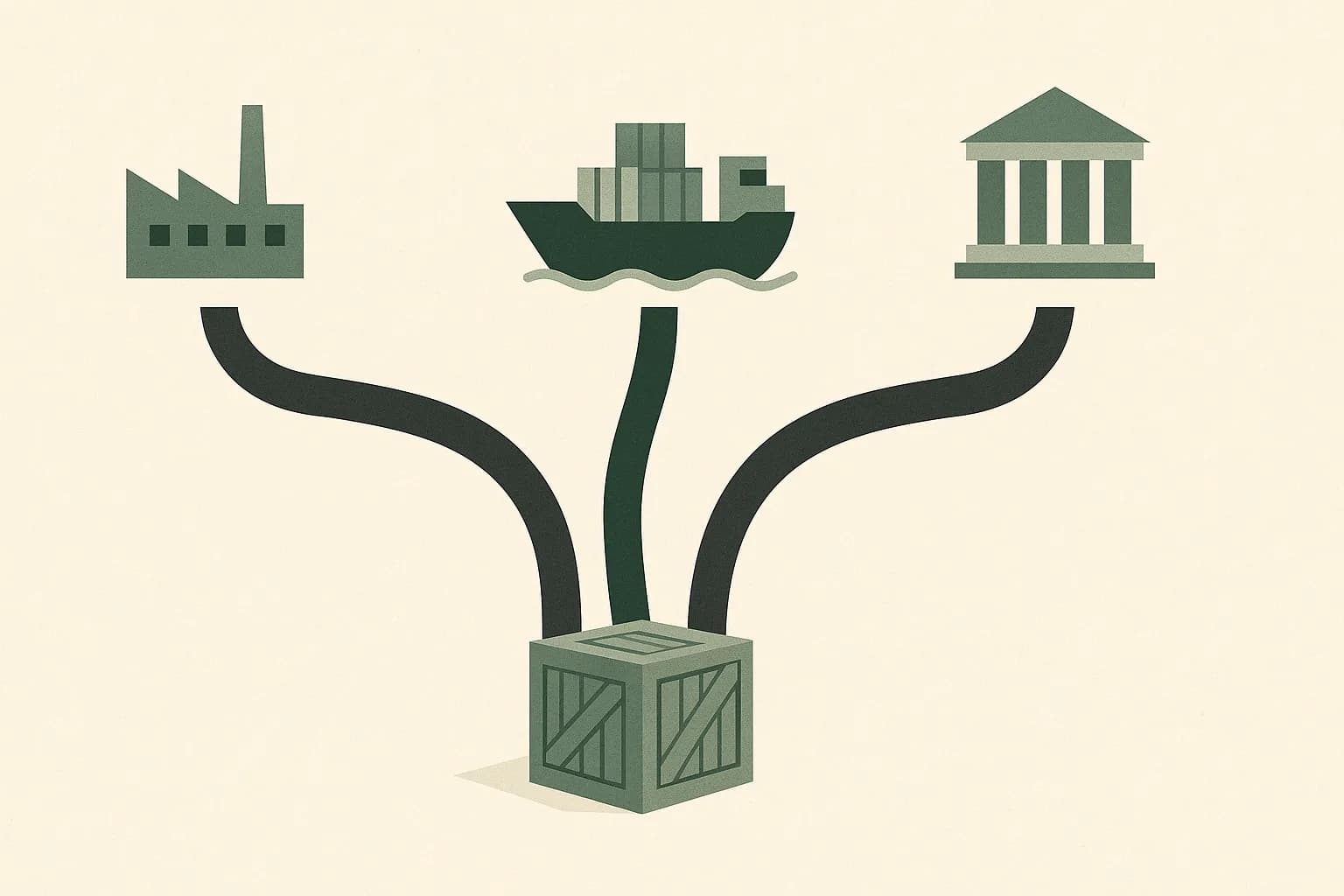
Duty drawback software promises the same thing everywhere: find the refund, file the claim. In a demo the options look alike. The differences show up later, in how each one handles your actual records, your matching rules, and the audit file CBP may ask for. This guide lays out the options and the questions that separate them.
Three ways companies run drawback
- Drawback service providers. Specialist firms and customs brokers that prepare and file claims for you, often for a percentage of the refund. The least effort and the highest ongoing cost, with the least visibility into how the number was built.
- Trade management suites with a drawback module. Enterprise platforms such as Descartes, e2open, Oracle Global Trade Management, and MIC offer drawback alongside classification, screening, and filing. A fit when you already run the suite; a heavy lift if drawback is the only reason to buy it.
- Specialist drawback software. Tools built only for drawback, DrawbackAI among them, that you or your broker run directly. Faster to deploy than a suite, and the data and audit trail stay with you.
Whichever route you lean toward, put the same nine questions to each option.
Nine questions to ask
1. Can it use your data as it is?
Your import history lives in ACE reports, entry summaries, and broker spreadsheets; your exports in export filings, ERP extracts, and invoices. Ask whether the tool takes those files as they are, or whether someone on your team has to clean and reformat years of records first. That prep work is usually the biggest hidden cost.
2. Which claim types does it support?
Unused merchandise by direct identification and by substitution, manufacturing, and rejected merchandise each match differently. Check that the tool handles every type you qualify for, not only the simplest one, because most claimants qualify for more than one.
3. Does it apply the substitution rules correctly?
Under TFTEA, substitution matches on the 8-digit HTS subheading, falls back to the 10-digit number when the subheading's description begins with "other", and for unused merchandise caps the refund at 99% of the lesser of the import duty and the duty the exported article would owe if imported. A tool that ignores the lesser-of cap overstates the refund.
4. Does it handle the duties that ride along, and the ones that don't?
Section 301 duties and fees such as MPF and HMF can come back; antidumping and countervailing duties cannot (19 USC § 1677h). Ask how the tool treats each, and whether exclusions are shown line by line or silently dropped. Section 301 is the most commonly missed.
5. Does it manage the five-year window?
Imports age out five years after entry, and claims not completed in time are abandoned. Good tooling flags lots that are close to expiring so you file the oldest money first. See the five-year clock.
6. Can you audit every number?
If CBP questions a line, you need to show which import paid the duty, which export earned it back, and the calculation in between. Ask to see the trail behind a single dollar of an estimate, not a summary report.
7. How does the claim get filed?
Claims are transmitted electronically to ACE through the Automated Broker Interface. Ask whether the tool files directly, hands a complete claim to your broker, or leaves the filing to you, and whether it supports the privileges you use, such as accelerated payment and waiver of prior notice. How filing works walks through each step.
8. What does it cost over the full lookback?
A contingency fee looks free until you multiply it across five years of claims. Compare a percentage of the refund against subscription or per-claim pricing, using your own estimated refund as the base.
9. How is your data protected?
Drawback files carry your costs, suppliers, and customers. Ask for the vendor's security attestations, such as a SOC 2 report, where the data is stored, and who can see it.
The fastest way to compare options is to give each one the same sample, such as a year of imports and exports. Watch how long it takes to get a number, and whether you can trace that number back to the lines that produced it.
Where DrawbackAI fits
DrawbackAI is specialist duty drawback software. It takes messy import and export files as they are, matches them under each claim type's rules, and builds an audit-ready claims package where every dollar links back to a line, a calculation, and a statute. Brokers can also run it under their own brand. To see what your own data is worth, start with a free estimate.
- There are three routes: a service provider, a trade suite's drawback module, or specialist software.
- Judge each on your real data: ingestion, claim types, substitution rules, and exclusions.
- Insist on a line-level audit trail and a clear filing path into ACE.
- Price the whole five-year lookback, not a single claim.
- 19 U.S.C. § 1313: Drawback and refunds · Legal Information Institute, Cornell Law School
- 19 CFR Part 190: Modernized Drawback · Electronic Code of Federal Regulations
- Drawback overview · U.S. Customs and Border Protection
- 19 U.S.C. § 1677h: Drawback treatment · Legal Information Institute, Cornell Law School
This article is for general information and is not legal or tax advice. Drawback eligibility depends on your specific facts, and final refunds are determined by CBP at liquidation. Consult a licensed customs broker or attorney for your situation.